
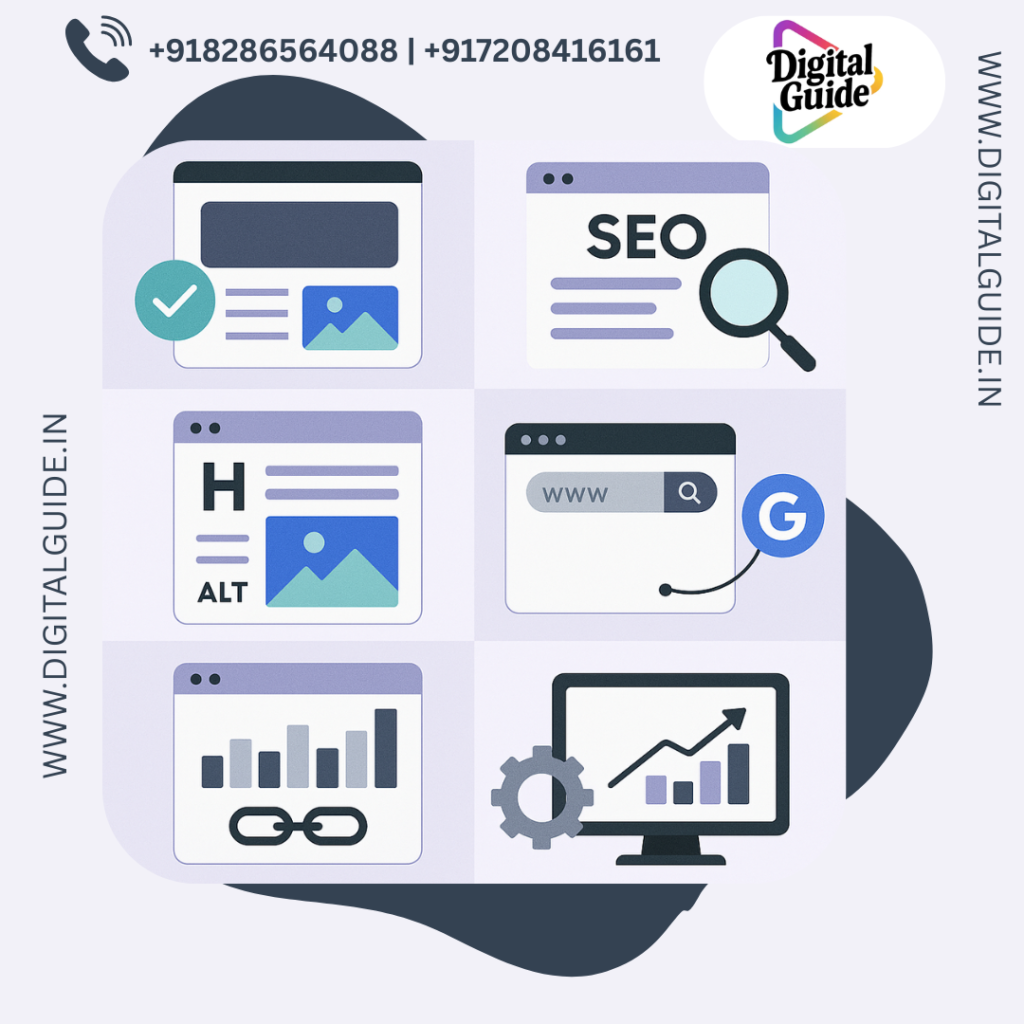
If you’re a beginner looking to optimize your Wix website for search engines, you’re in the right place! Wix offers an intuitive platform for building websites, but without proper SEO (Search Engine Optimization) setup, your site might not reach its full potential. In this guide, we’ll take you through a step-by-step process to help you get the most out of Wix’s SEO features, even if you’re just starting out.
Why SEO Matters for Your Wix Website?
Before diving into the steps, it’s essential to understand why SEO is so important for your Wix site. SEO helps improve the visibility of your website on search engines like Google, Bing, and Yahoo. The higher your website ranks, the more likely it is that potential customers or readers will find you.
Good SEO increases your chances of showing up in search results, ultimately driving more traffic to your website. Whether you’re running an online store, a blog, or a portfolio, SEO can significantly impact your site’s success.
Step 1: Setting Up Your Wix SEO Settings
Wix has built-in tools that make it easy for beginners to set up their site for SEO. Here’s a breakdown of the key steps:
1.1. Access the SEO Tools
To get started, head to your Wix Dashboard and follow these steps:
-
Open the SEO Tools from your website settings.
-
Click on the SEO Wizard (Wix’s built-in tool designed for beginners). This will guide you through the basic steps needed to set up SEO for your site.
1.2. Complete Your Site’s Basic Information
Once you’re inside the SEO Wizard, start by filling in the following details:
-
Site Title: This is what will appear in search engine results. Ensure your site title is descriptive and includes relevant keywords.
-
Site Description: Write a concise, compelling description (under 160 characters) that tells search engines and users what your site is about. This is also called a meta description.
Example:
“Discover high-quality handmade jewelry at [Your Brand Name]. Browse our collection of custom necklaces, bracelets, and rings perfect for any occasion.”
Step 2: Optimizing Your Wix Site’s Structure
Now that you’ve filled in the basics, it’s time to focus on optimizing the structure of your site, which is crucial for SEO.
2.1. Choose a SEO-Friendly Template
Wix offers a wide variety of templates, but not all of them are built with SEO in mind. Choose a template that is mobile-friendly (Google values mobile-first design) and optimized for fast loading times. Wix’s templates are generally responsive, but it’s still important to check and test your site across devices.
2.2. Use Clear and Organized URL Structure
Make sure that the URLs for your pages are clean, short, and descriptive. For instance, instead of a generic URL like www.yoursite.com/page1, aim for something more descriptive like www.yoursite.com/handmade-jewelry.
This helps both search engines and users understand the content of the page just by looking at the URL.
2.3. Create an XML Sitemap
Wix automatically generates an XML sitemap for your site, which is essential for helping search engines crawl and index your pages. However, make sure this feature is turned on by navigating to Settings > SEO and checking if your sitemap is enabled.
Step 3: Conducting Keyword Research
Keyword research is one of the most important elements of SEO. It involves finding the words and phrases people search for when looking for the products or services you offer.
3.1. Use Wix’s Keyword Tool
Wix has a keyword tool that can help you identify important keywords relevant to your business. It will suggest terms you can target on your website to help boost your rankings.
3.2. Use Google Keyword Planner
You can also use Google Keyword Planner (free to use with a Google Ads account) to research popular search terms related to your niche.
3.3. Include Keywords in Important Areas
Once you have your target keywords, be sure to use them in the following areas of your website:
-
Page Titles: The title of each page should include a relevant keyword.
-
Meta Descriptions: Include primary keywords in the description (while keeping it readable).
-
Headings (H1, H2, etc.): Use keywords in your headings and subheadings, but don’t overstuff them.
Step 4: Optimizing Your Content
4.1. Create High-Quality, Engaging Content
Search engines like Google prioritize content that is helpful, relevant, and engaging. When creating content for your Wix site, make sure it’s useful to your audience.
-
Write for your audience first: Focus on providing value, not just on fitting in keywords.
-
Use multimedia: Include images, videos, and infographics that complement your content and make it more engaging. Ensure each image is optimized with descriptive alt text (using keywords).
4.2. Focus on Content Length
Content length matters for SEO. Longer, in-depth content tends to rank better, but always prioritize quality over quantity. Aim for a blog post or page length of at least 500 words, but go longer if the topic warrants it.
4.3. Use Internal and External Links
-
Internal links: Link to other pages or blog posts on your Wix site to improve your site’s structure and keep users engaged longer.
-
External links: Link to high-quality, authoritative external websites. This shows search engines that you’re providing valuable, credible information.
Step 5: Mobile Optimization
Mobile optimization is crucial for SEO. Google now uses mobile-first indexing, meaning it primarily uses the mobile version of your site to rank it in search results. Wix sites are responsive by default, but you should still test your site on different devices to ensure everything works smoothly.
-
Check load speed: Google also prioritizes fast-loading websites. Use Wix’s Site Performance tools to check for any issues that may slow your site down.
-
Test mobile usability: Make sure all elements on your site (buttons, text, images) display well on mobile devices. Wix provides a mobile editor that lets you adjust the layout specifically for mobile screens.
Step 6: Monitoring Your Wix SEO Performance
Once you’ve optimized your Wix website for SEO, it’s time to track its performance. Wix offers several tools to help you monitor your SEO progress:
6.1. Wix SEO Analytics
Wix provides detailed SEO analytics that allow you to track your site’s traffic, search rankings, and performance. Check your analytics regularly to see what’s working and where improvements can be made.
6.2. Google Search Console
Connect your Wix website to Google Search Console to gain deeper insights into how your site is performing on Google. You’ll be able to monitor indexing status, track search queries, and fix any potential issues with crawling or ranking.
6.3. Google Analytics
Integrating Google Analytics into your Wix site will help you understand user behavior, measure website traffic, and identify which pages are performing well.
Step 7: Stay Up-to-Date with SEO Trends
SEO is always evolving, so it’s important to stay updated on the latest trends and best practices. Some key areas to focus on include:
-
Core Web Vitals: Google now uses page experience signals like loading speed and interactivity to rank websites.
-
Voice Search Optimization: As more people use voice assistants like Google Home and Alexa, optimizing your content for voice search is becoming increasingly important.
-
Featured Snippets: Try to structure your content to answer common questions in a way that increases your chances of appearing in Google’s featured snippets.
Conclusion
Optimizing your Wix website for search engines doesn’t have to be overwhelming. By following this beginner-friendly guide and utilizing Wix’s built-in SEO tools, you’ll be well on your way to improving your site’s visibility and attracting more visitors. With the right setup and a bit of ongoing effort, you can ensure that your Wix site stands out in search results.
By applying proper keyword research, optimizing content, ensuring mobile compatibility, and monitoring your site’s performance, you’ll be setting yourself up for SEO success!